日本語 | English
青森公立大学図書館
Aomori Public University Library
TEL:017-764-1551
FAQ
How do I import book information from OPAC to RefWorks?
- You can import book information from OPAC to RefWorks from the following screen.
- You can import book information directly (direct import) to RefWorks without downloading a plugin.
- Register as a new user only the first time.
- Click "Book Management" on the bibliography search result list screen or bibliography details screen.
(The bibliography to be imported must be selected on the bibliography search result list screen.) - The "Select Export Destination" pop-up appears. Select "RefWorks."
- The selected bibliography is imported to RefWorks. (If you have not logged in yet, the login screen appears. In that case, enter your login name and password.)
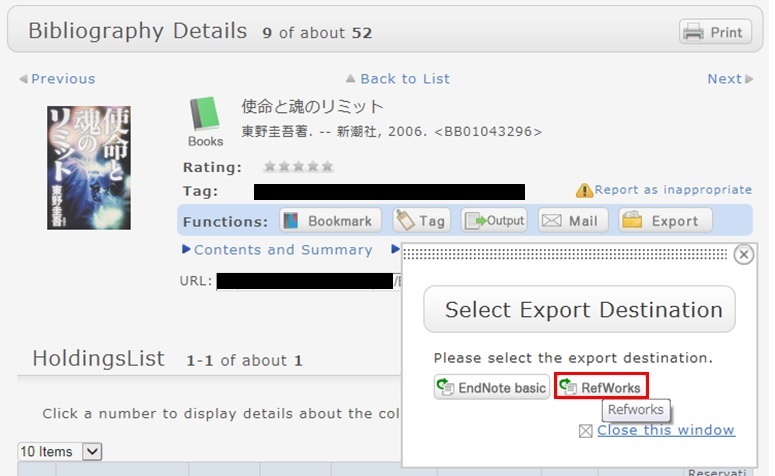
Reference:
RefWorks (SUNMEDIA)
開館時間
| 日 | 月 | 火 | 水 | 木 | 金 | 土 |
30 | 31 | 1 | 2 | 3 | 4 | 5 |
6 | 7 | 8 | 9 | 10 | 11 | 12 |
13 | 14 | 15 | 16 | 17 | 18 | 19 |
20 | 21 | 22 | 23 | 24 | 25 | 26 |
27 | 28 | 29 | 30 | 1 | 2 | 3 |
-
9:00-20:00
-
9:00-17:00
-
休館
mobileOPAC
携帯電話は こちら から
蔵書検索が利用できます。

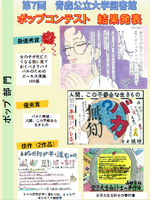
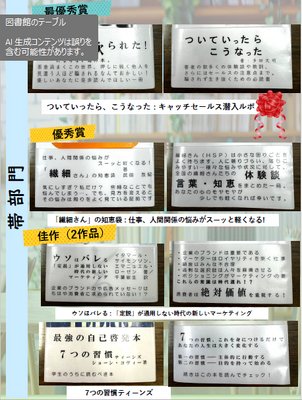
図書館ポップコンテスト